First Article Inspection · AS9102
AS9102 FAI Documentation. Automated.
One continuous pass from drawing to complete AS9102 package — every dimension found, every form populated, every callout audited.
Architecture
One Continuous Pass
01
Open02
Render03
Detect04
OCR05
Context06
Audit07
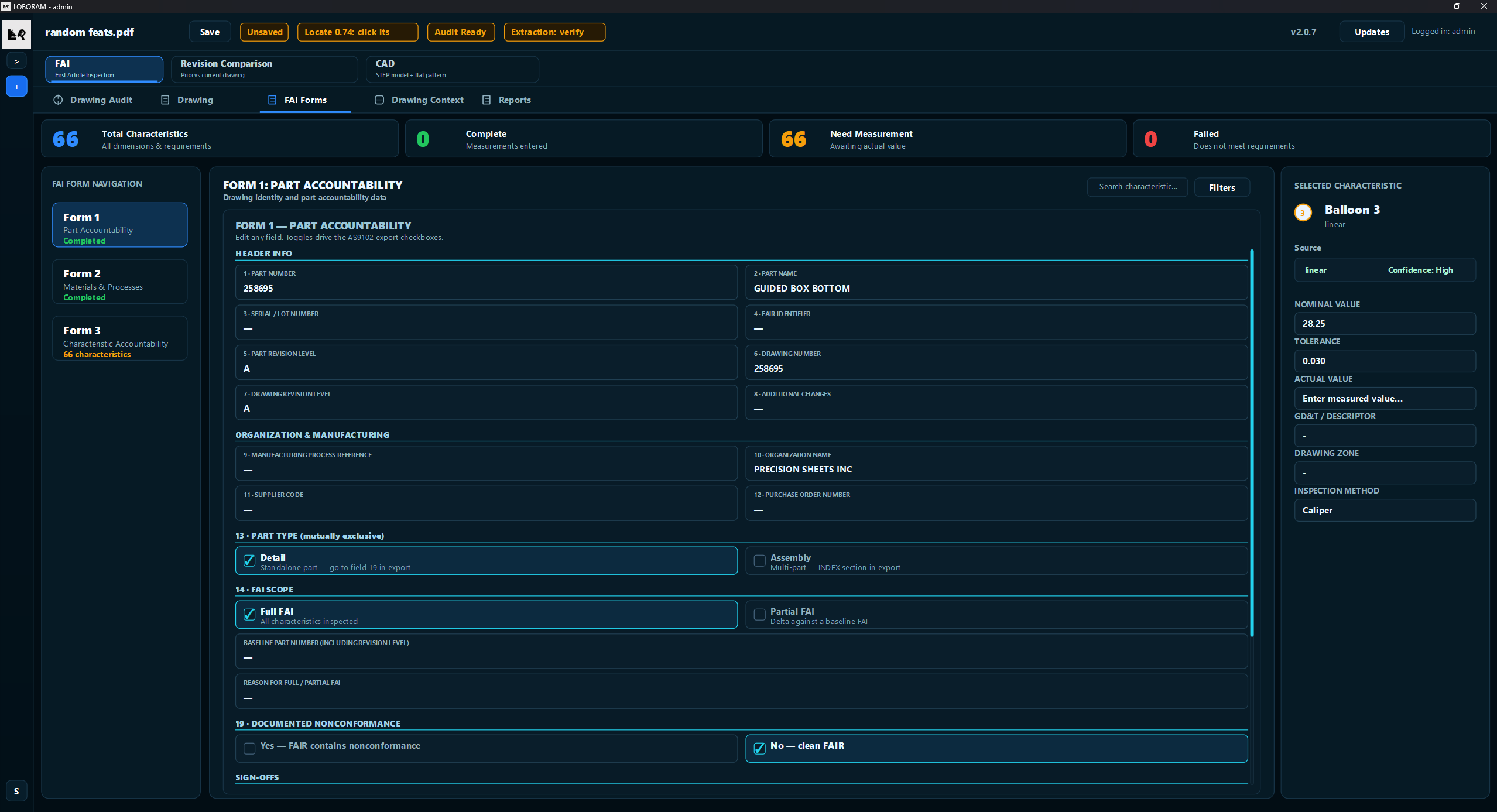
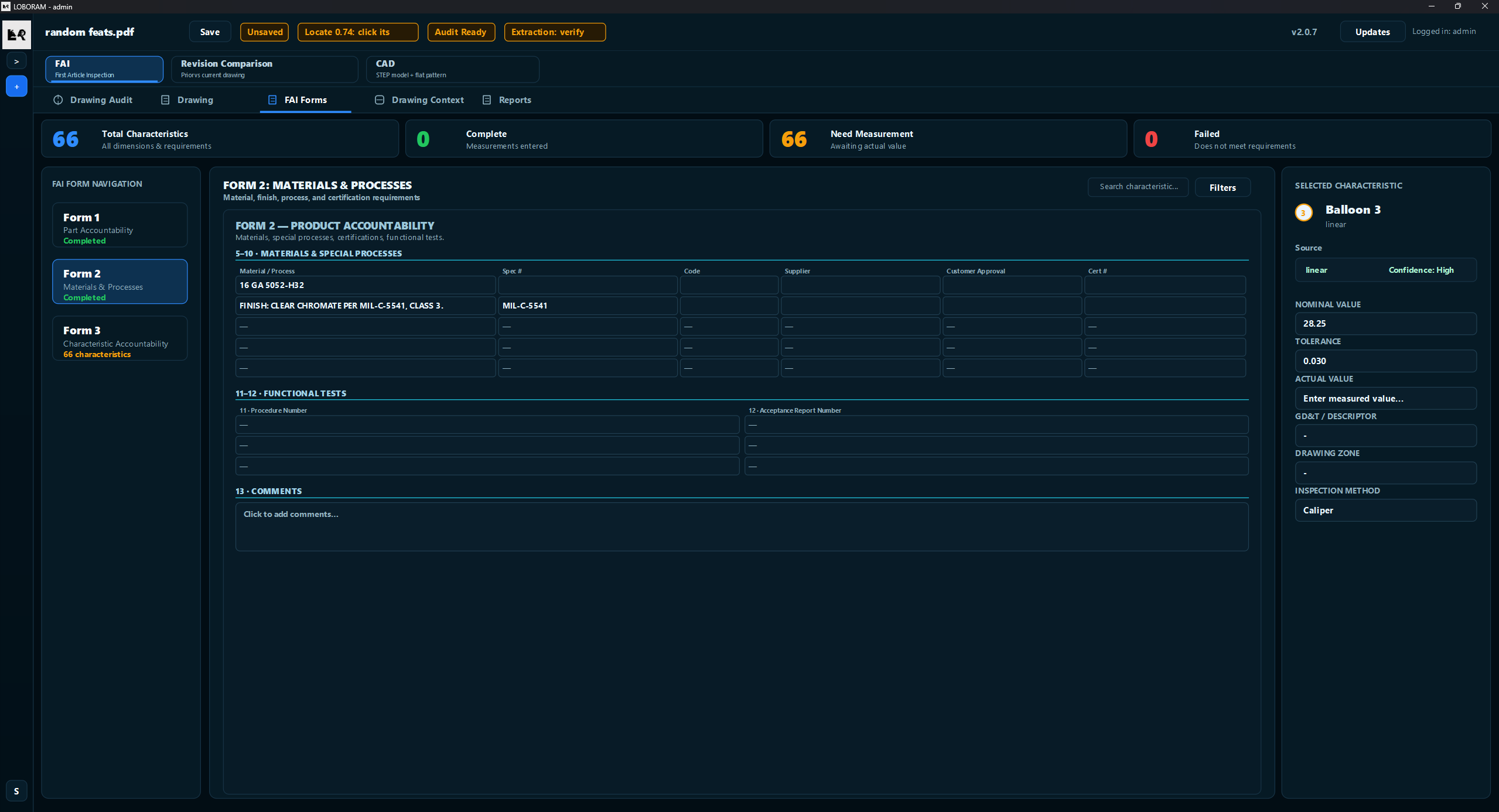
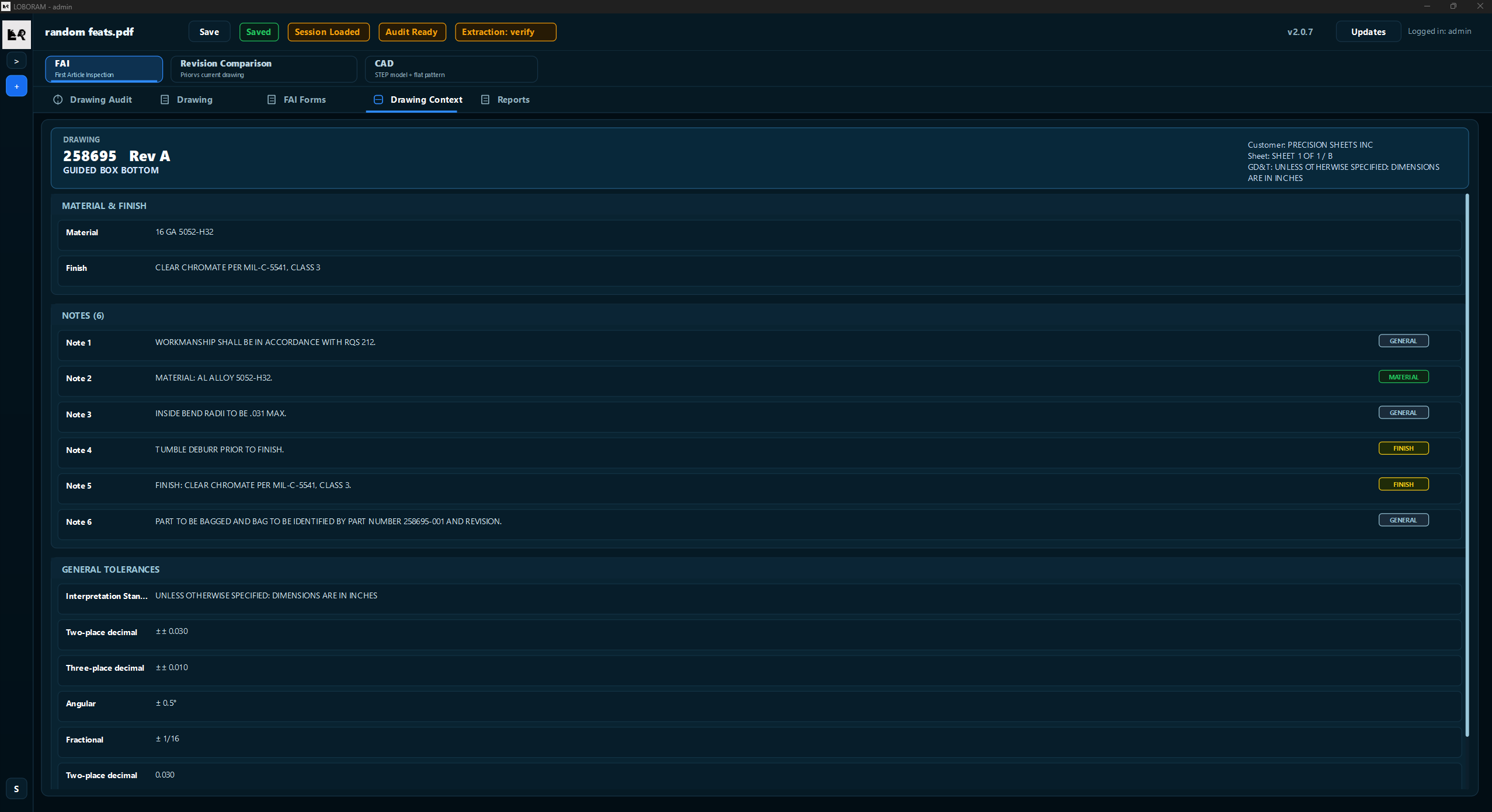
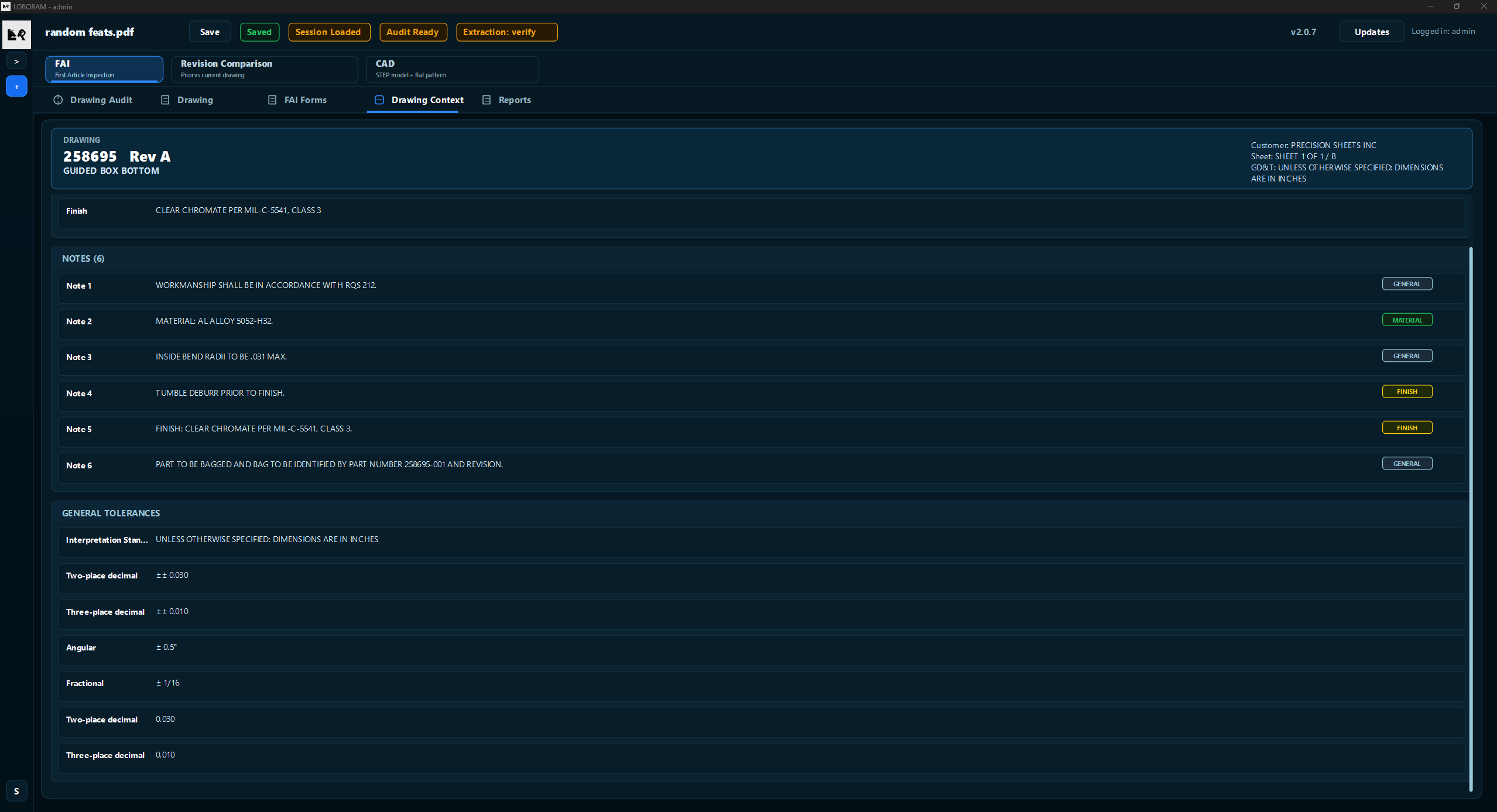
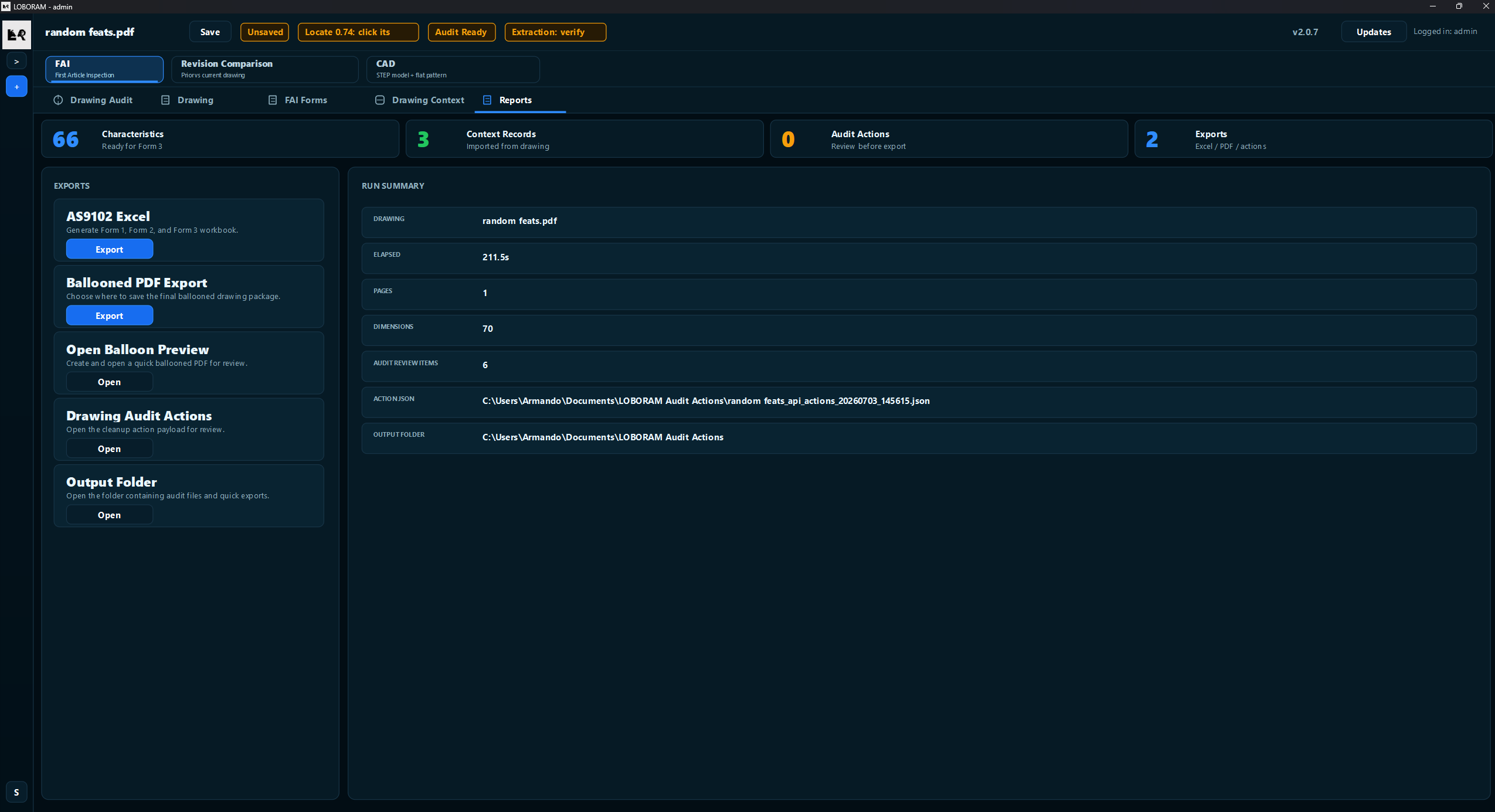
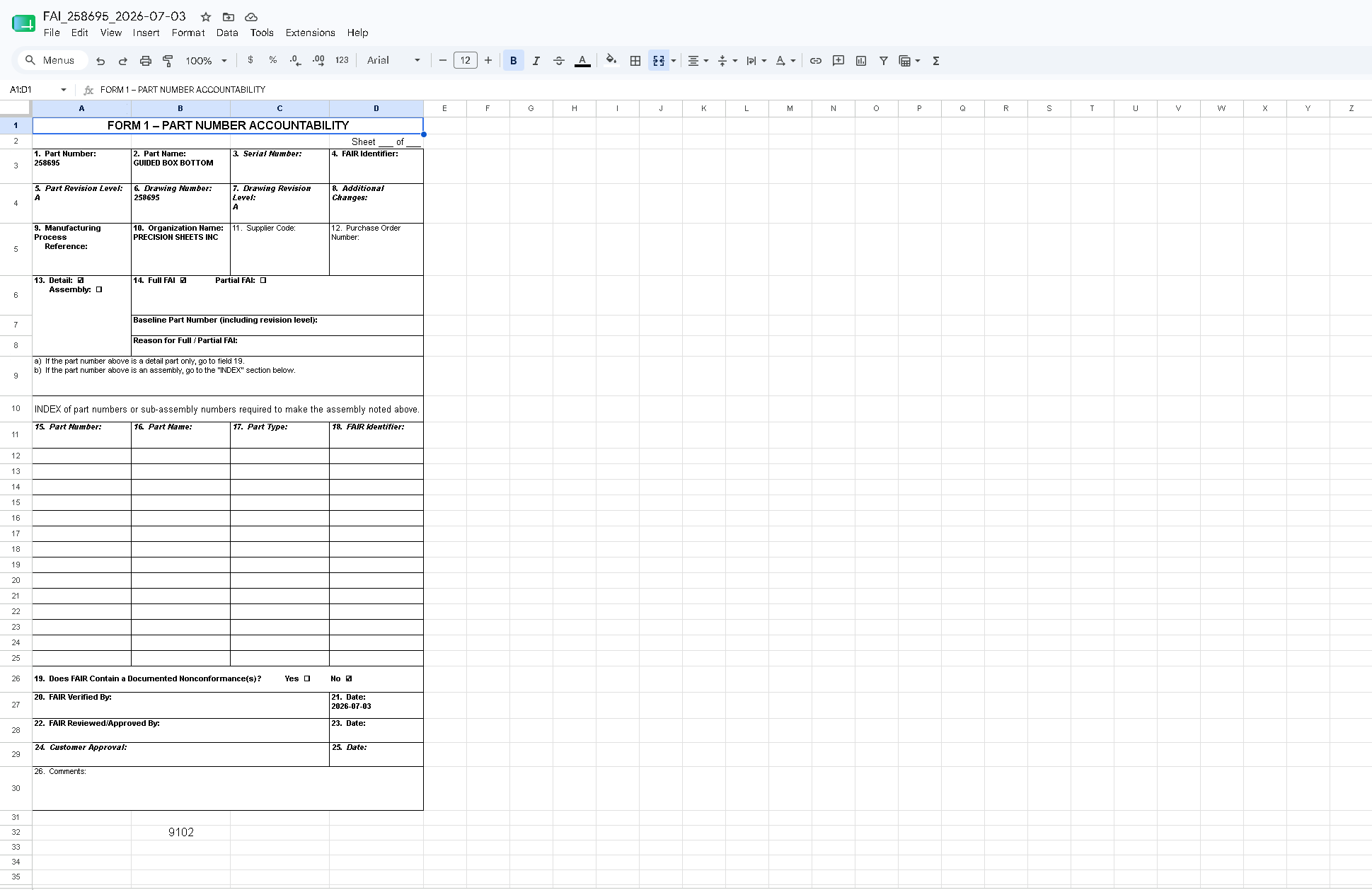
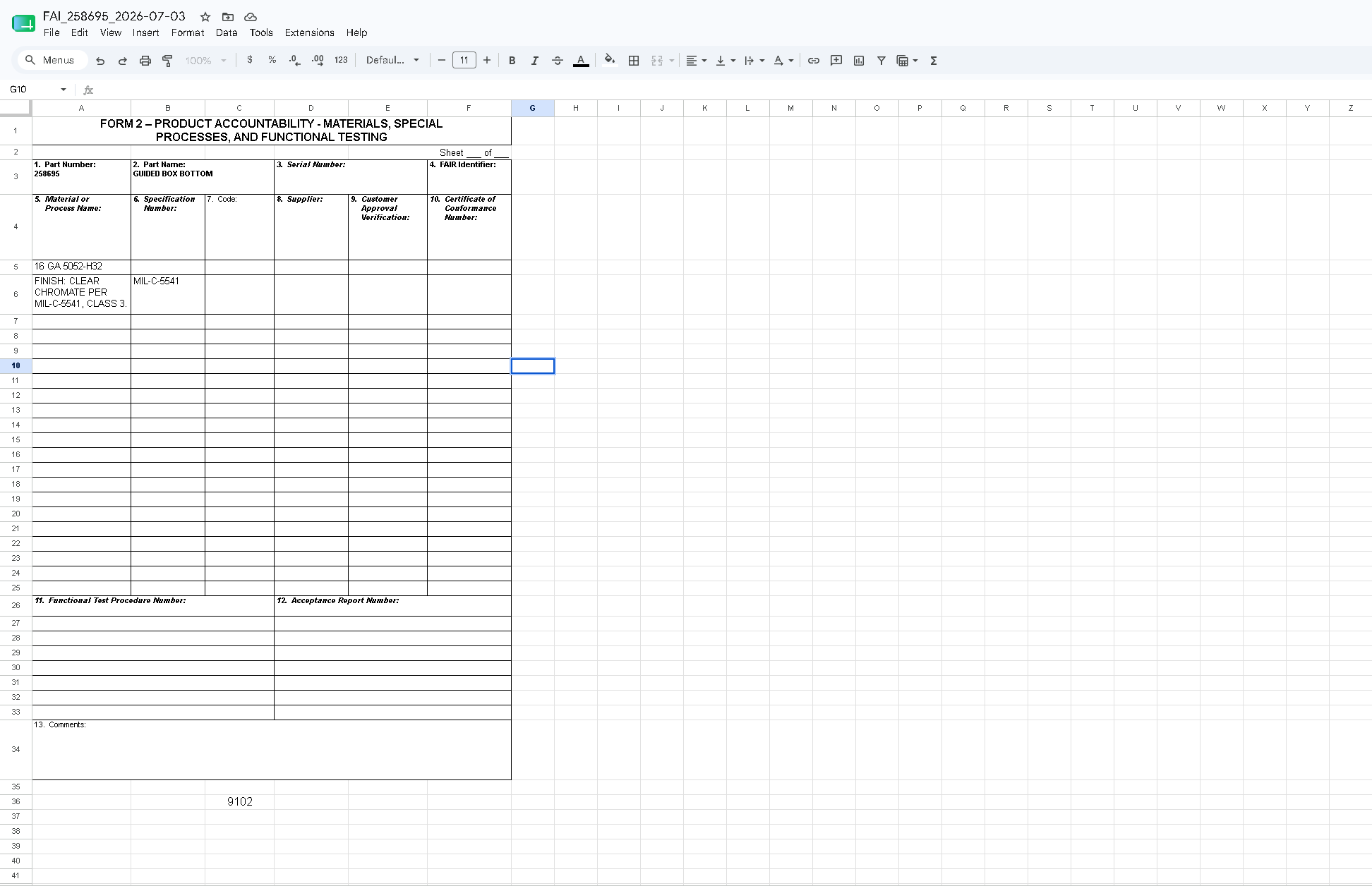
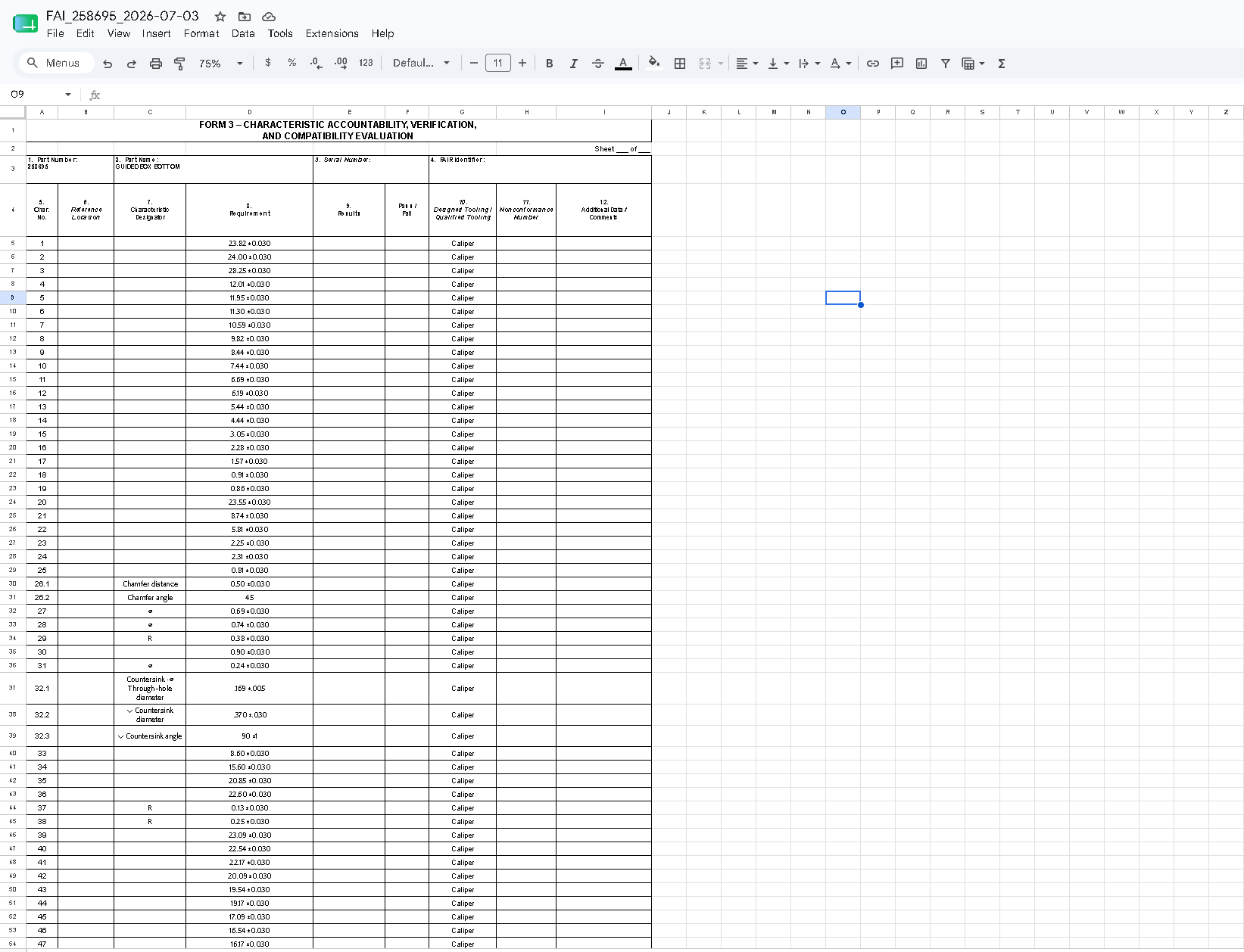
BalloonsEvery dimension found. Every form populated. Every callout audited. Nothing exports until critical issues hit zero.
Ballooning
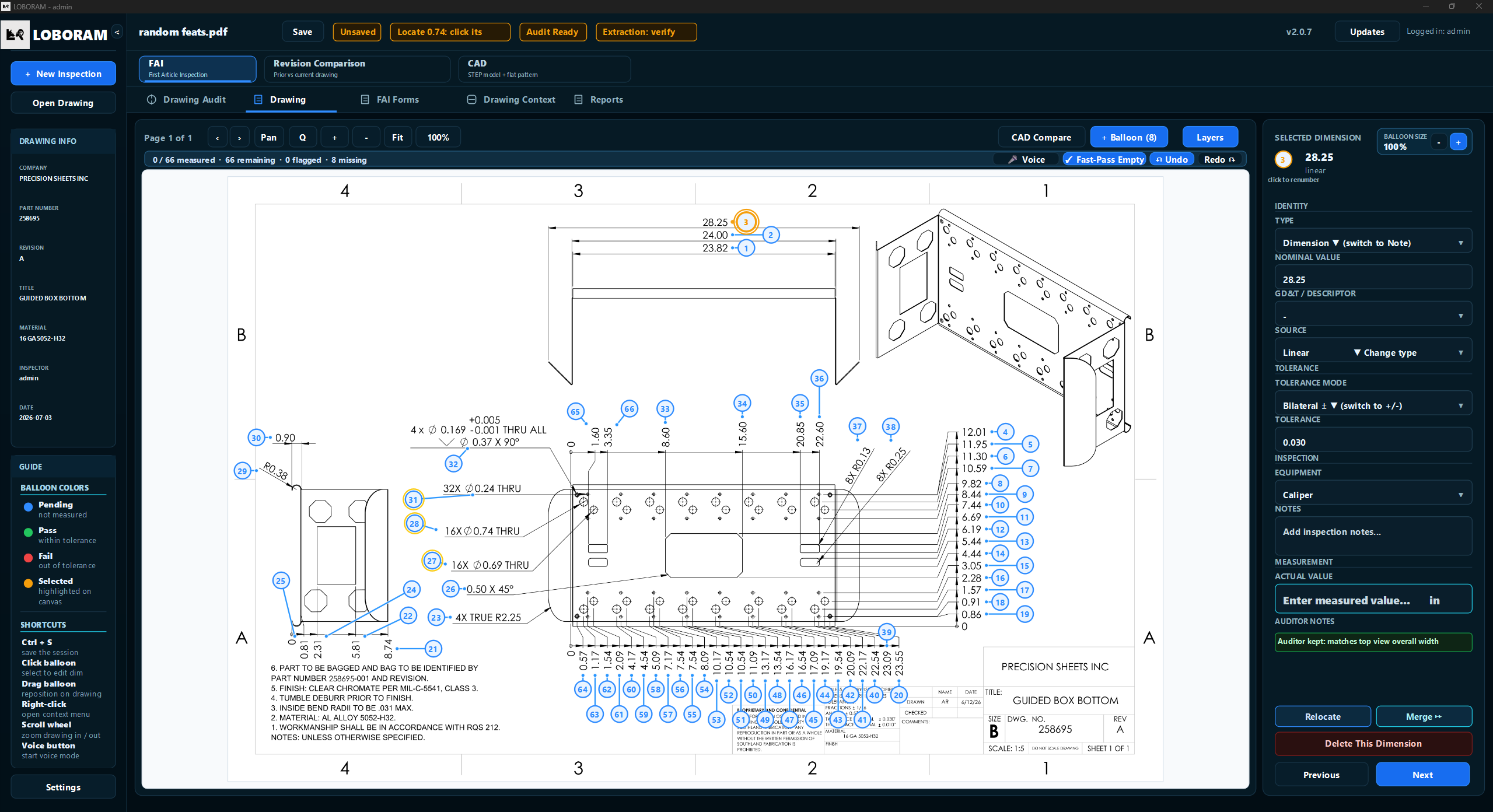
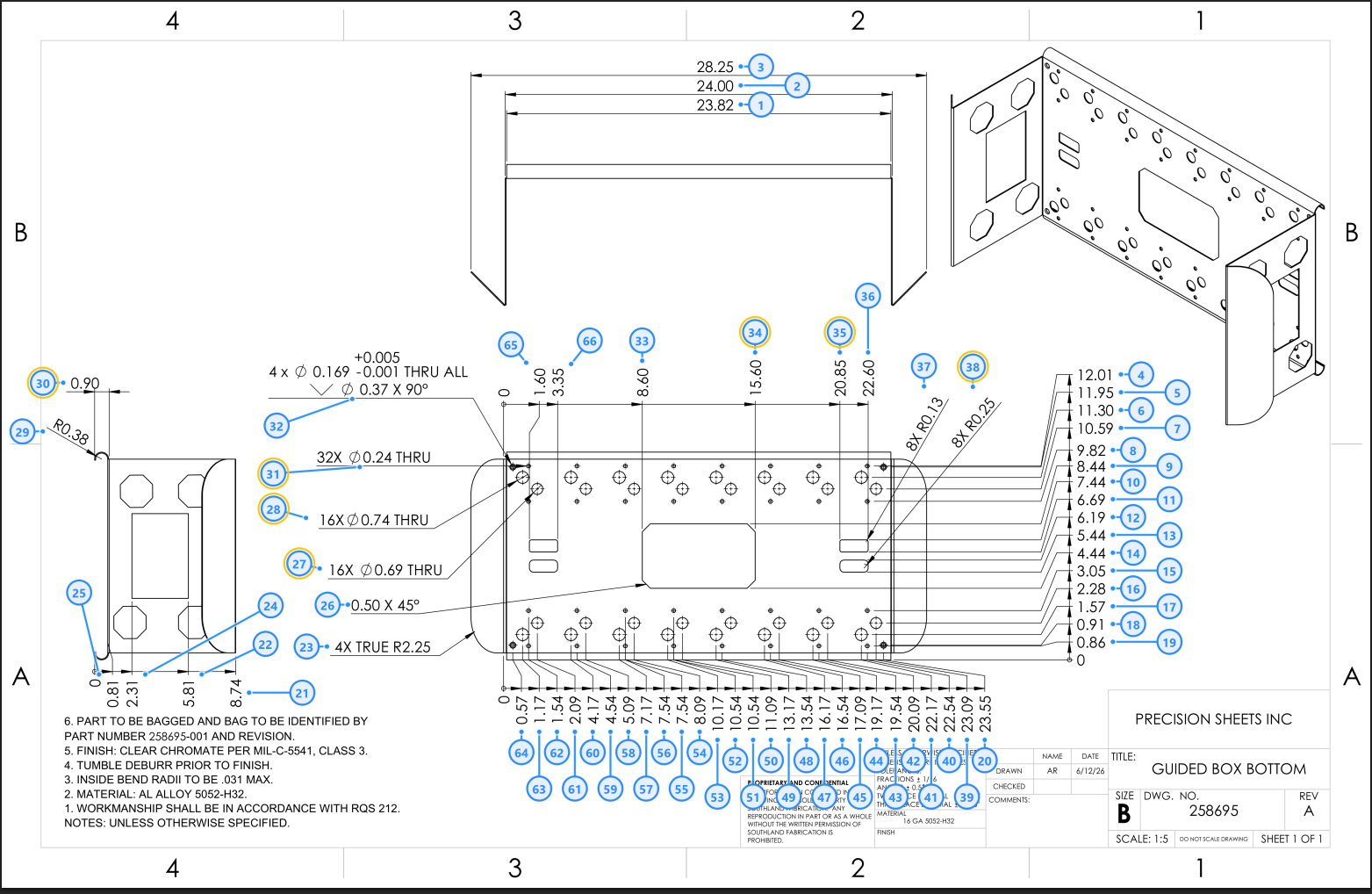
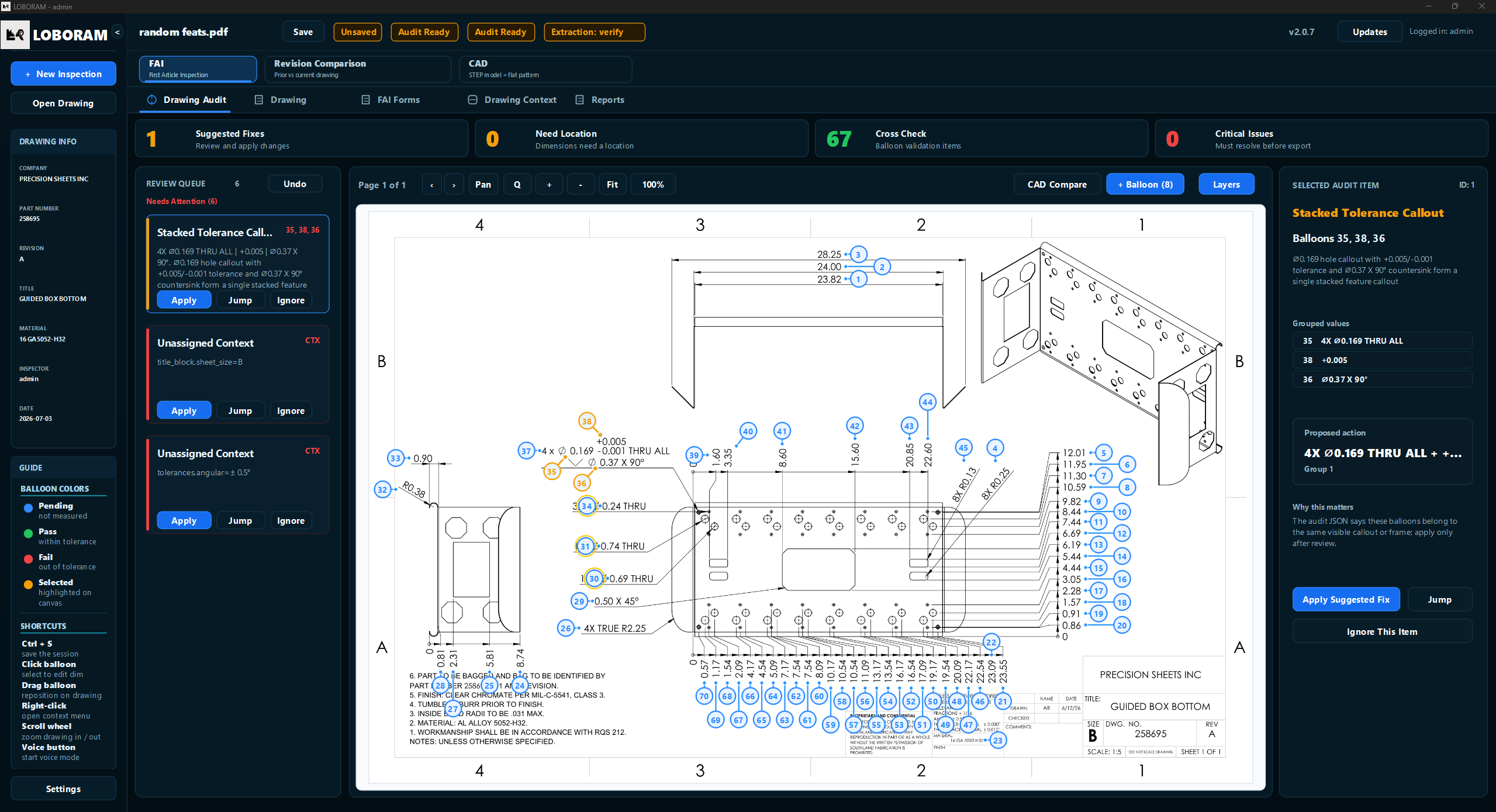
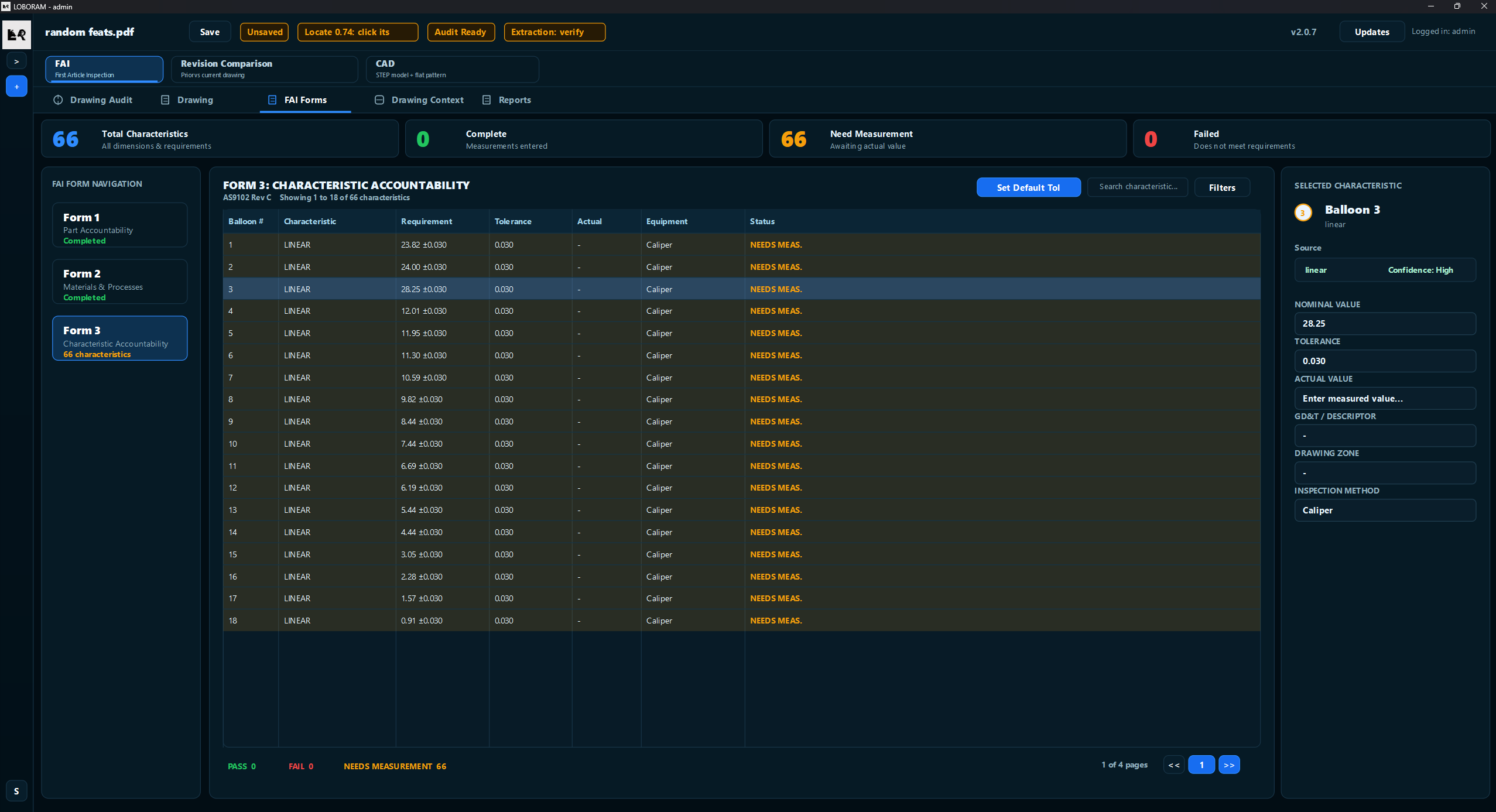
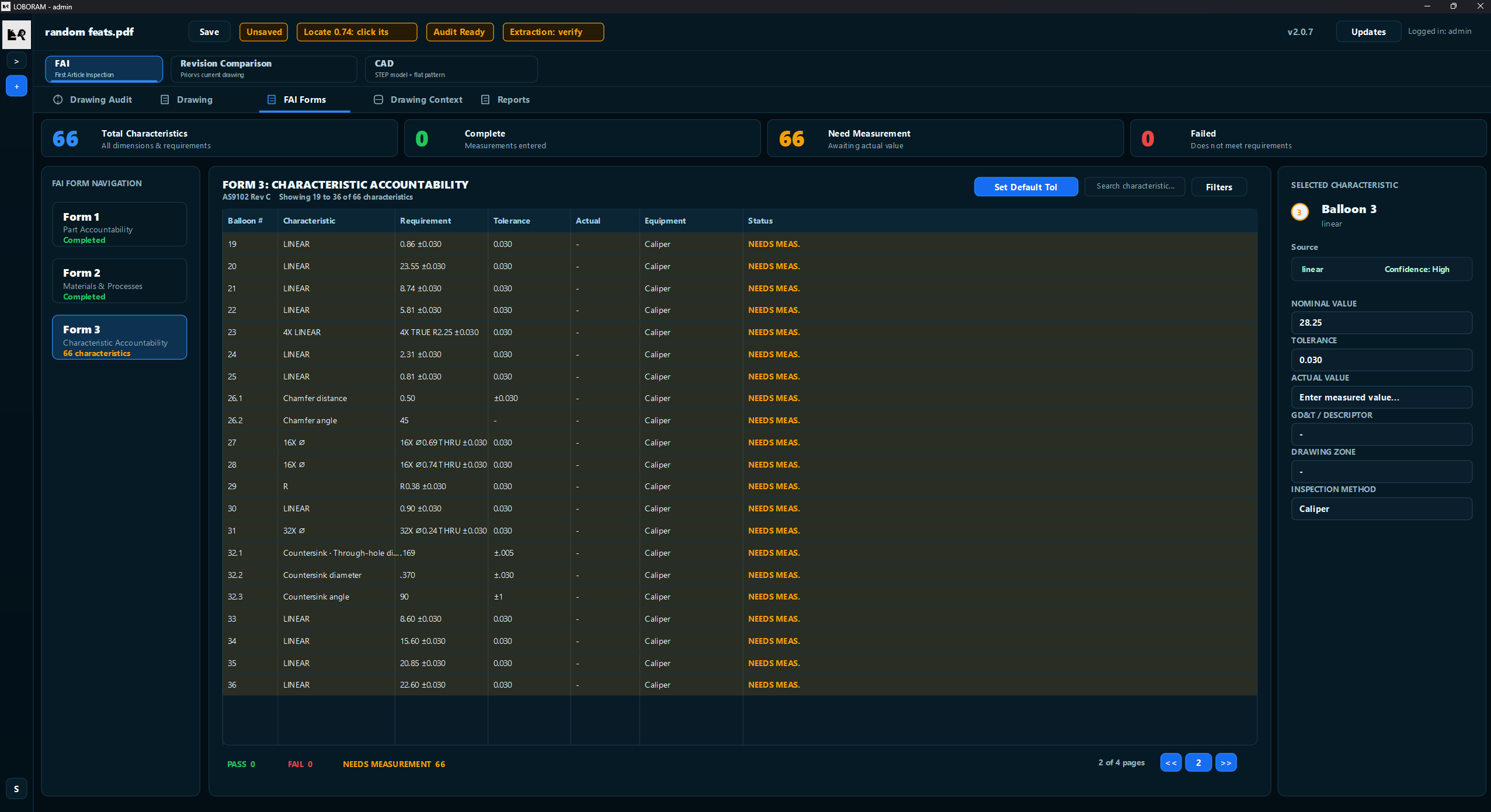
Ballooning. Done.
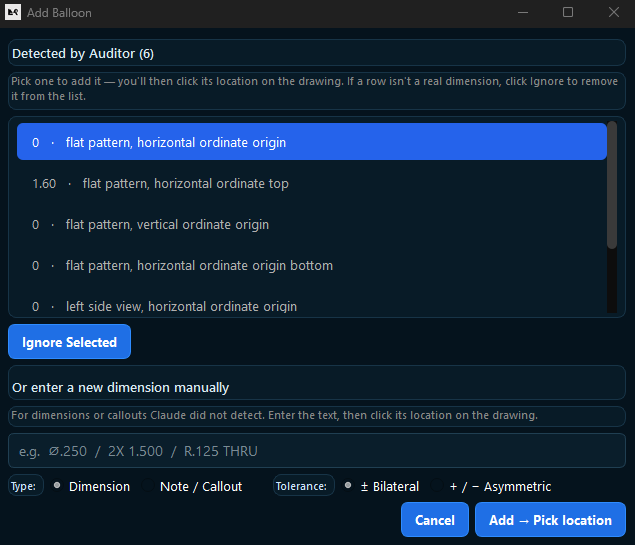
Every dimension on the print detected, numbered, and placed. Balloon positions lock to the AS9102 forms — before you touch a caliper.
01 / 03
Ballooning
Forms
Audit
Inspection
Export
Field Result
75%
of an inspector's day back — on first use, untrained.
That's not a benchmark run. That's a real quality inspector using LOBORAM for the first time.
See it on your drawings.
See how LOBORAM handles your drawings.